
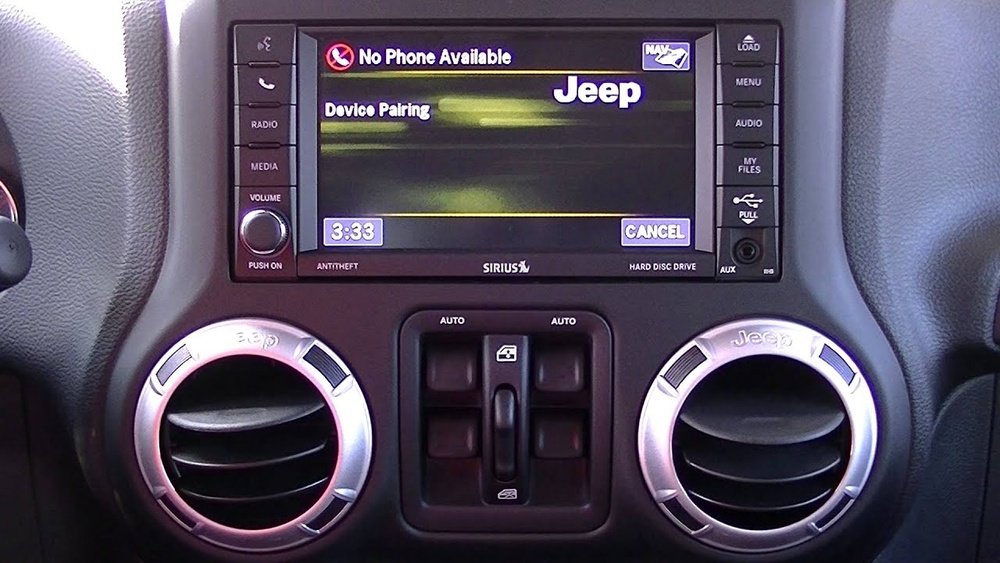
If you’ve ever tried to connect your phone to your Jeep Wrangler’s Bluetooth system, you know it can be confusing. But don’t worry—pairing your phone doesn’t have to be a hassle.
Imagine making hands-free calls, streaming your favorite music, and staying connected without taking your eyes off the road. In this guide, you’ll learn exactly how to pair your Bluetooth phone with your Jeep Wrangler quickly and easily. Keep reading, and you’ll be enjoying seamless wireless connectivity in no time.
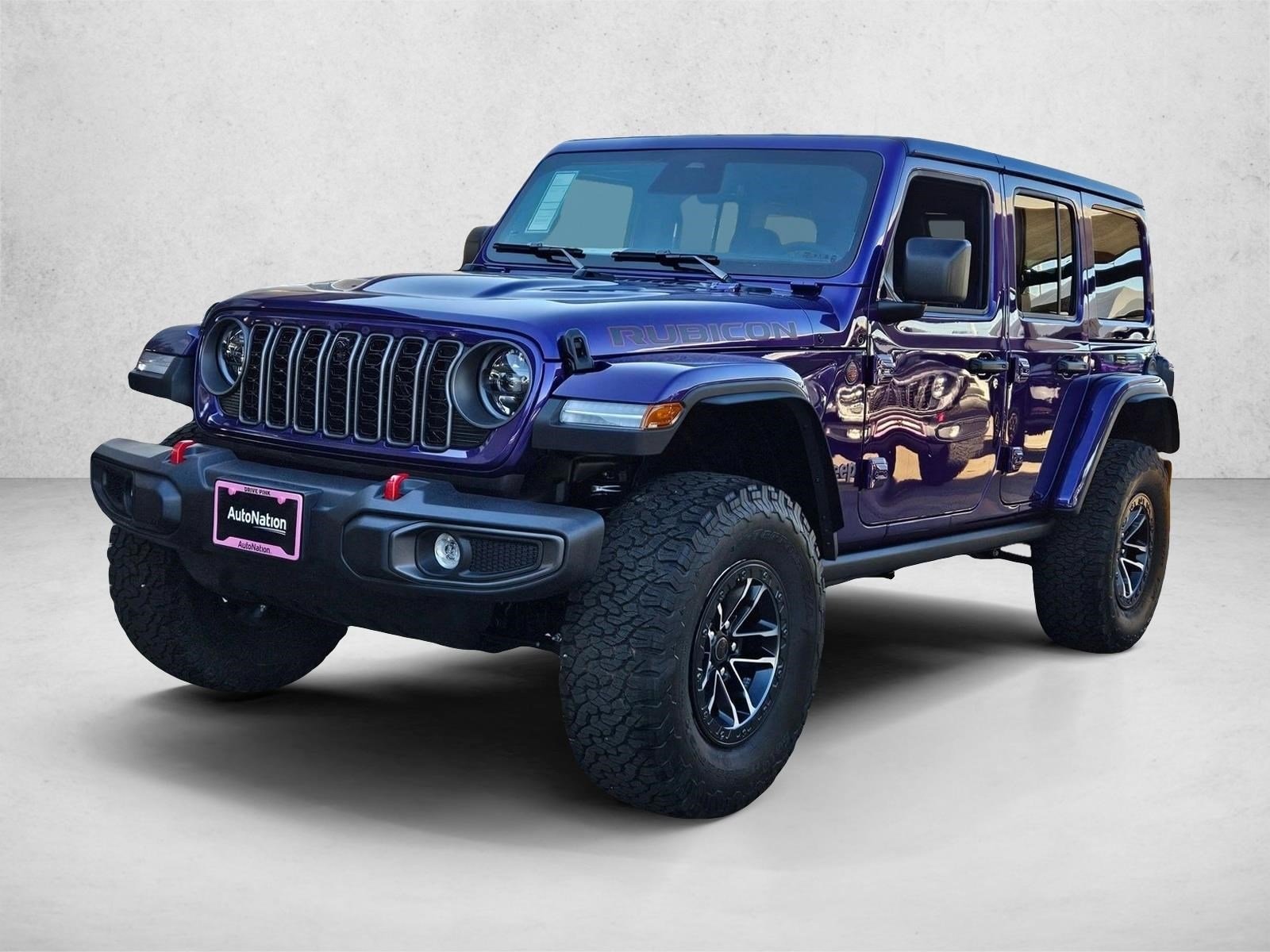
Credit: www.autonationchryslerdodgejeepramnorthrichlandhills.com
Prepare Your Jeep Wrangler
Before pairing your phone, get your Jeep Wrangler ready. This step helps the connection process go smoothly. Make sure your vehicle and phone settings are set up correctly. Follow these simple steps to prepare your Jeep Wrangler for Bluetooth pairing.
Turn On Vehicle And Infotainment System
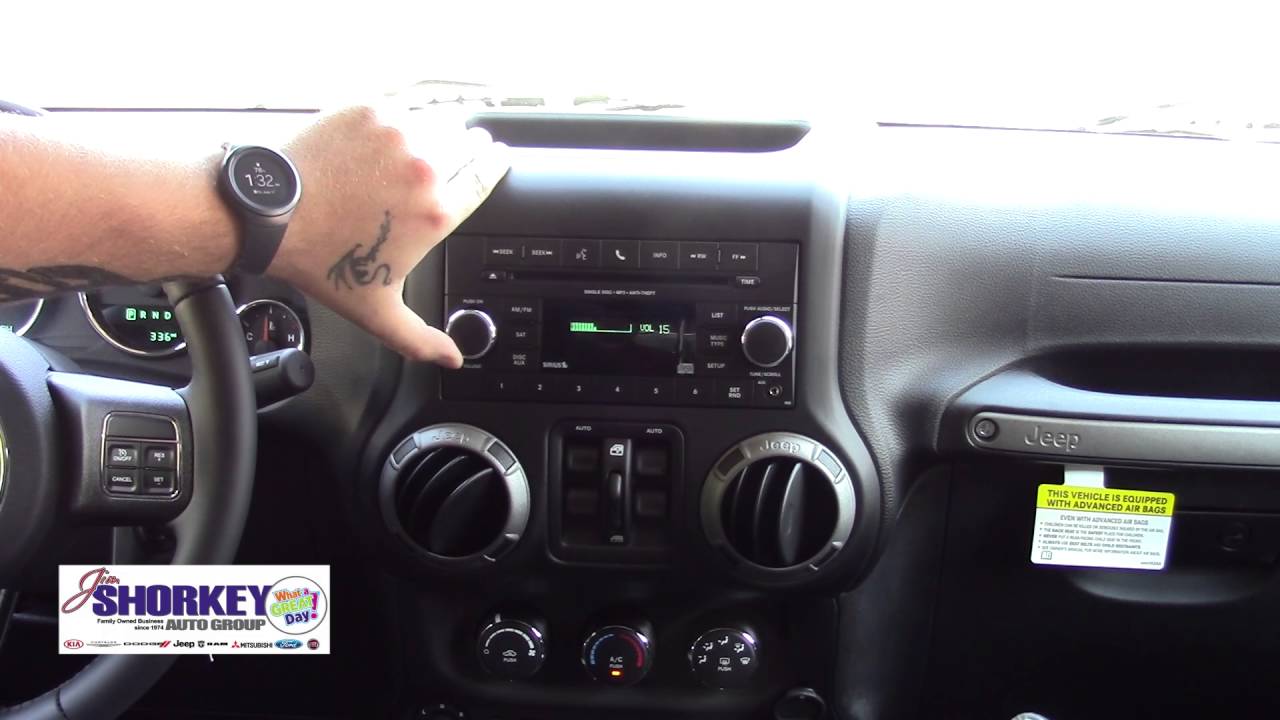
Start your Jeep by turning the key or pressing the start button. Next, switch on the infotainment system. This system controls your audio and phone connections. Wait a few seconds for it to fully power up. The screen should light up and show the main menu.
Enable Bluetooth On Your Phone
Open the settings app on your phone. Find the Bluetooth option and turn it on. Your phone will start searching for nearby devices. Keep the Bluetooth screen open so your phone can find your Jeep easily. Make sure your phone is not connected to other devices.
Credit: www.youtube.com
Access Bluetooth Settings In Jeep
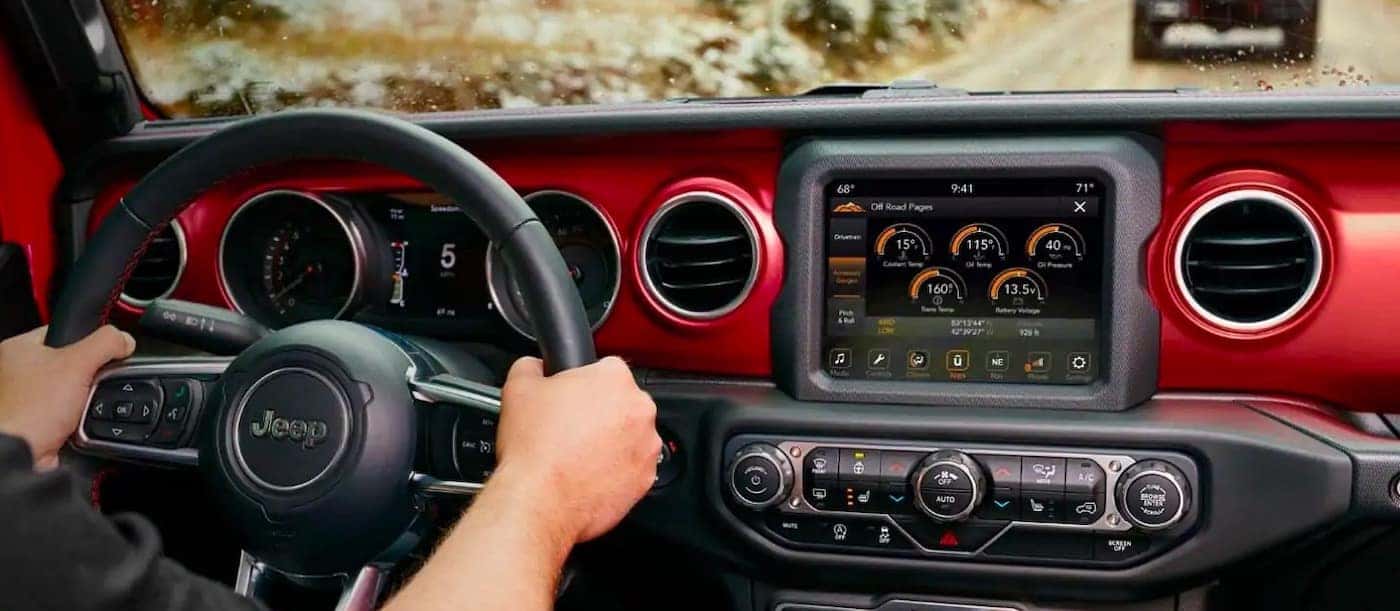
Accessing the Bluetooth settings in your Jeep Wrangler is the first step to pair your phone. The process is simple and fast. You can control everything from the central touchscreen or the Uconnect system. This section guides you through finding the Bluetooth menu and adding your phone.
Navigate To Bluetooth Menu
Turn on your Jeep’s ignition to power the infotainment system. Tap the touchscreen to wake it up. Look for the “Settings” icon and tap it. Scroll through the menu options until you see “Bluetooth.” Select it to open the Bluetooth settings. This menu shows all paired devices and connection options.
Select Add New Device
Inside the Bluetooth menu, find the option labeled “Add New Device.” Tap this to make your Jeep discoverable. Your phone can now find the Jeep’s Bluetooth signal. Follow the prompts on both screens to complete pairing. The system may ask for a PIN, usually shown on the screen. Enter the PIN on your phone to connect.
Pair Your Phone With Jeep
Pairing your phone with your Jeep Wrangler lets you enjoy hands-free calls and music. The process is simple and quick. Follow these steps to connect your device and Jeep Bluetooth system. This will make driving safer and more fun.
Search For Jeep On Your Phone
Turn on Bluetooth on your phone. Open the Bluetooth settings menu and start scanning. Look for your Jeep’s name in the list of available devices. It may appear as “Jeep Wrangler” or a similar label. Tap on the name to begin pairing.
Confirm Pairing Code
A code will appear on both your phone and Jeep screen. Check that both codes match exactly. Confirm the code on your phone and Jeep to connect. This step ensures the correct devices are paired securely.
Allow Access To Contacts And Media
Your Jeep will ask for permission to access your phone’s contacts and media. Allow access to enable hands-free calls and music playback. This makes it easier to use your phone safely while driving.
Troubleshoot Connection Issues
Bluetooth connection problems in your Jeep Wrangler can be frustrating. These issues stop calls, music, and other features from working properly. Troubleshooting helps fix common problems quickly. Try simple steps before seeking professional help.
Restart Devices
Turn off your Jeep’s audio system and your phone. Wait for a few seconds. Turn both devices back on. Restarting clears temporary glitches. This step often restores a smooth Bluetooth connection fast.
Delete Previous Pairings
Old pairings can cause conflicts with new connections. Open your phone’s Bluetooth settings. Remove the Jeep Wrangler from the paired devices list. Also, clear previous pairings on the Jeep’s system. Then, try pairing again from the start.
Update Software
Outdated software can block Bluetooth features. Check for updates on your phone. Also, see if your Jeep’s infotainment system has updates. Install any available updates. Updated software improves compatibility and fixes bugs.
Maximize Bluetooth Features
Pairing your phone with the Jeep Wrangler’s Bluetooth system opens many useful features. These features make driving safer and more fun. You can talk on the phone without holding it. You can listen to your favorite music from your phone. Voice commands help you control many functions without touching your screen. Use these tips to get the most from Bluetooth in your Jeep.
Make Hands-free Calls
Hands-free calls keep your focus on the road. Your Jeep connects to your phone’s call system. Answer or reject calls using buttons on the steering wheel. Speak clearly into the built-in microphone. This setup helps you stay safe while talking. No need to hold your phone or look away.
Stream Music
Bluetooth lets you play music from any app on your phone. Choose songs, playlists, or podcasts directly from your phone. The Jeep’s sound system delivers clear, rich audio. Adjust volume with steering wheel controls or the touchscreen. Enjoy your favorite sounds during every drive.
Use Voice Commands
Voice commands make controlling your Jeep easier. Press the voice button and speak simple commands. Call contacts, play music, or get directions without typing. The system understands basic phrases for quick actions. Keep your hands on the wheel and eyes on the road.
Credit: www.scottevanschryslerdodgejeep.com
Frequently Asked Questions
How Do I Start Bluetooth Pairing In Jeep Wrangler?
To start Bluetooth pairing, turn on your Jeep’s Uconnect system. Access the Bluetooth menu, then select “Add Device” to begin pairing your phone.
Why Won’t My Phone Connect To Jeep Wrangler Bluetooth?
Ensure your phone’s Bluetooth is on and visible. Restart both devices if needed. Also, clear previous pairings to avoid conflicts.
Can I Connect Multiple Phones To Jeep Wrangler Bluetooth?
Yes, Jeep Wrangler’s Bluetooth supports multiple devices. However, only one phone can be actively connected for calls or audio at a time.
How Do I Disconnect A Bluetooth Phone In Jeep Wrangler?
Go to the Bluetooth settings in Uconnect. Select the connected device and choose “Disconnect” or “Remove” to end the connection.
Conclusion
Pairing your phone with a Jeep Wrangler is quick and simple. Follow the steps carefully to connect Bluetooth without trouble. Once paired, enjoy hands-free calls and music while driving. This connection keeps you safe and focused on the road. Take a moment to check your phone’s Bluetooth settings before starting.
Stay connected and make your Jeep trips more enjoyable. Practice a few times, and it will feel natural soon. Keep your device updated for the best experience every time you drive.


