If you drive a Jeep Wrangler, you probably want to enjoy your favorite music and take calls safely while on the road. Connecting Bluetooth to your Jeep Wrangler makes this easy, but if you’re not sure how to do it, you might feel stuck or frustrated.
This guide will walk you through simple, step-by-step instructions to get your phone paired quickly. Imagine hitting the road with your playlists ready and hands-free calling set up—sounds great, right? Keep reading, and you’ll have your Bluetooth connected in no time.
Credit: www.autonationchryslerdodgejeepramnorthrichlandhills.com
Prepare Your Jeep Wrangler
Before connecting Bluetooth in your Jeep Wrangler, proper preparation is key. You need to make sure your vehicle is ready. This helps avoid connection problems and saves time. Follow these steps to prepare your Jeep Wrangler smoothly.
Preparation improves your overall experience. It makes pairing your phone with the car easy. Let’s start with the basics.
Check Bluetooth Compatibility
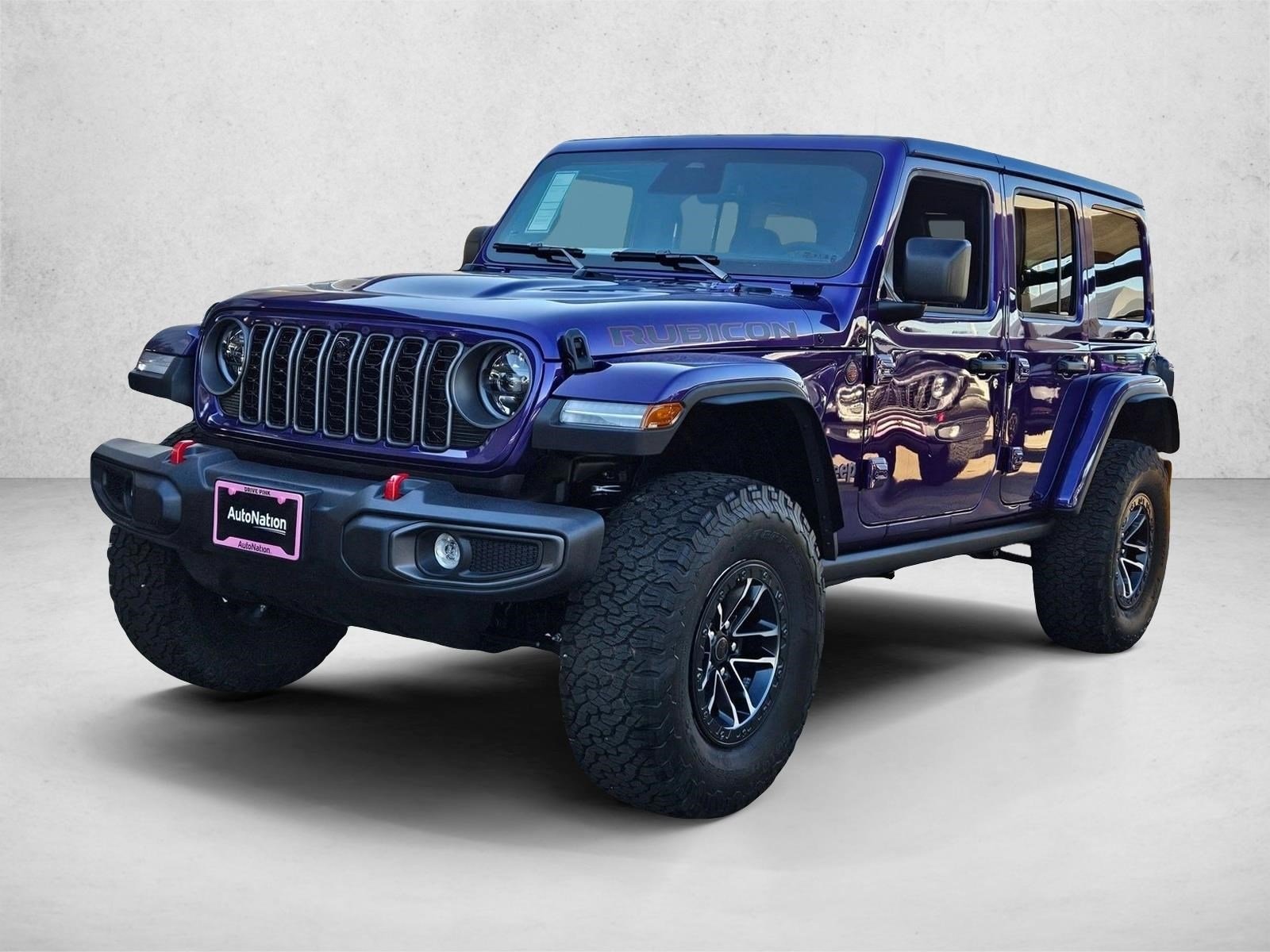
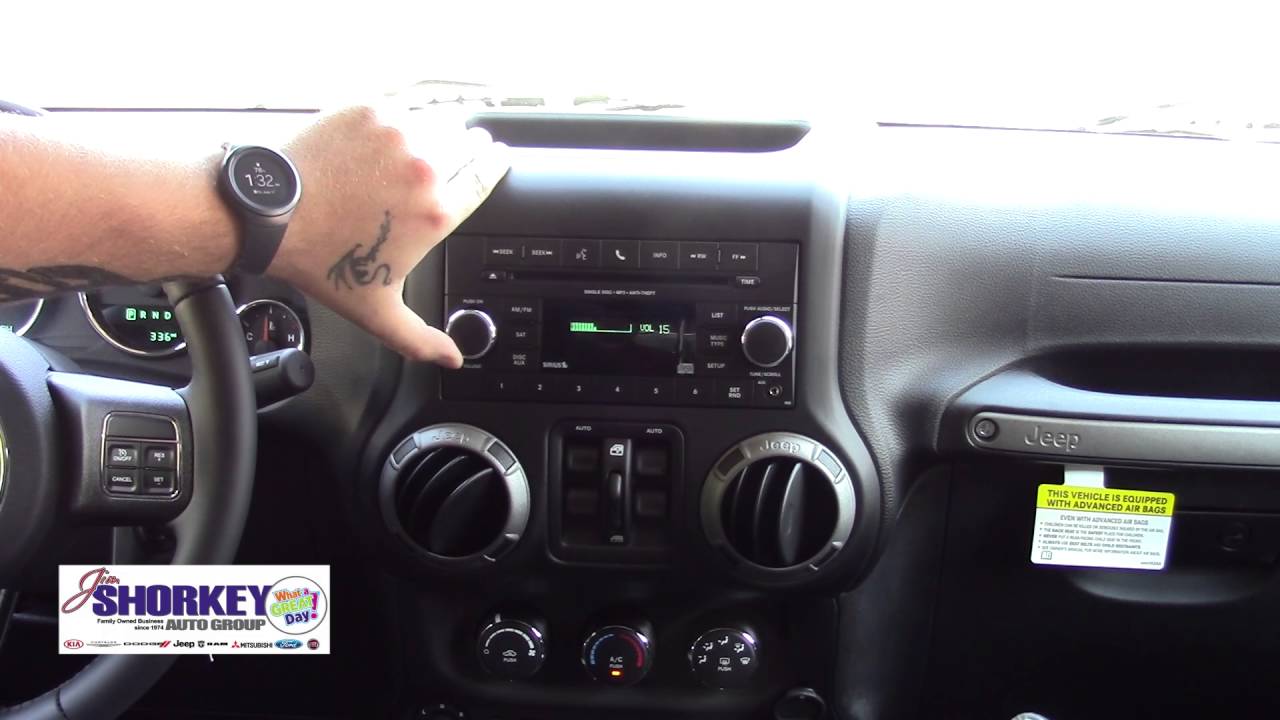
Not all Jeep Wranglers support Bluetooth. Check your model’s manual or the infotainment system. Look for Bluetooth settings or symbols. Ensure your phone also supports Bluetooth. Both devices must be compatible to connect successfully.
Older models might need a Bluetooth adapter. Newer ones usually have built-in Bluetooth. Knowing this saves frustration later on.
Turn On Your Vehicle
Turn on your Jeep Wrangler before starting the pairing process. Switch the ignition to accessory or on mode. This powers the infotainment system and Bluetooth module. The system needs to be active to detect your phone.
Keep the engine running or ignition on until pairing finishes. This prevents interruptions in the connection process.
Credit: www.scottevanschryslerdodgejeep.com
Activate Bluetooth On Your Phone
Activating Bluetooth on your phone is the first step to connect it with your Jeep Wrangler. This lets your phone talk to the car’s system. The process is quick and easy. Just follow simple steps to get your phone ready for pairing.
Enable Bluetooth Settings
Open the settings app on your phone. Look for the Bluetooth option. Tap it to open the Bluetooth menu. Switch the Bluetooth toggle to ON. This turns on the Bluetooth feature. Your phone will start searching for nearby devices.
Make Your Phone Discoverable
To connect with your Jeep Wrangler, your phone must be visible. In the Bluetooth menu, find the option to make your device visible. Turn it on. This lets your Jeep find your phone. Keep your phone screen active while pairing. This helps the connection process.
Pairing Your Phone With Jeep
Pairing your phone with your Jeep Wrangler lets you enjoy hands-free calls and music streaming. The process is simple and quick. Follow these steps to connect your phone via Bluetooth.
Access Jeep’s Infotainment System
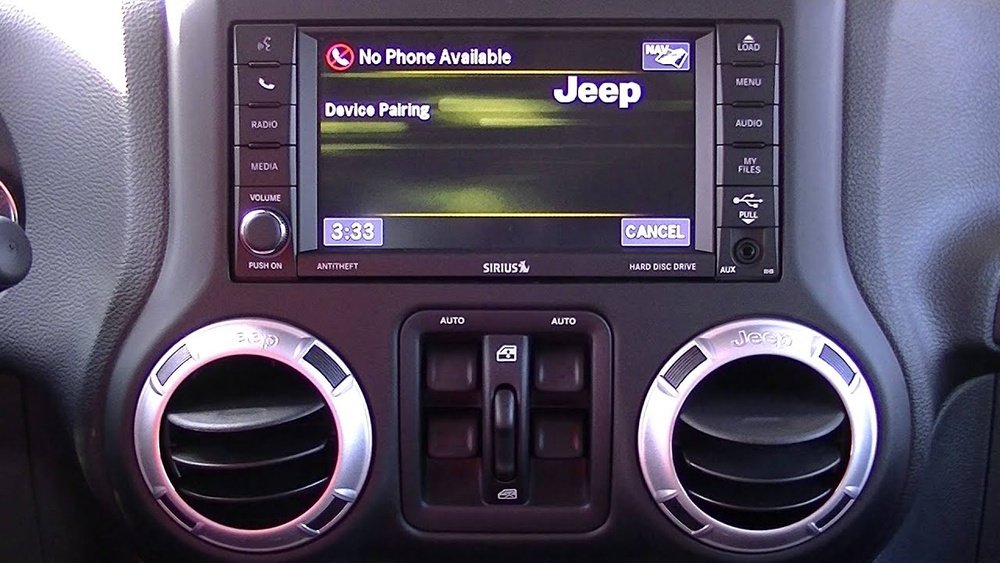
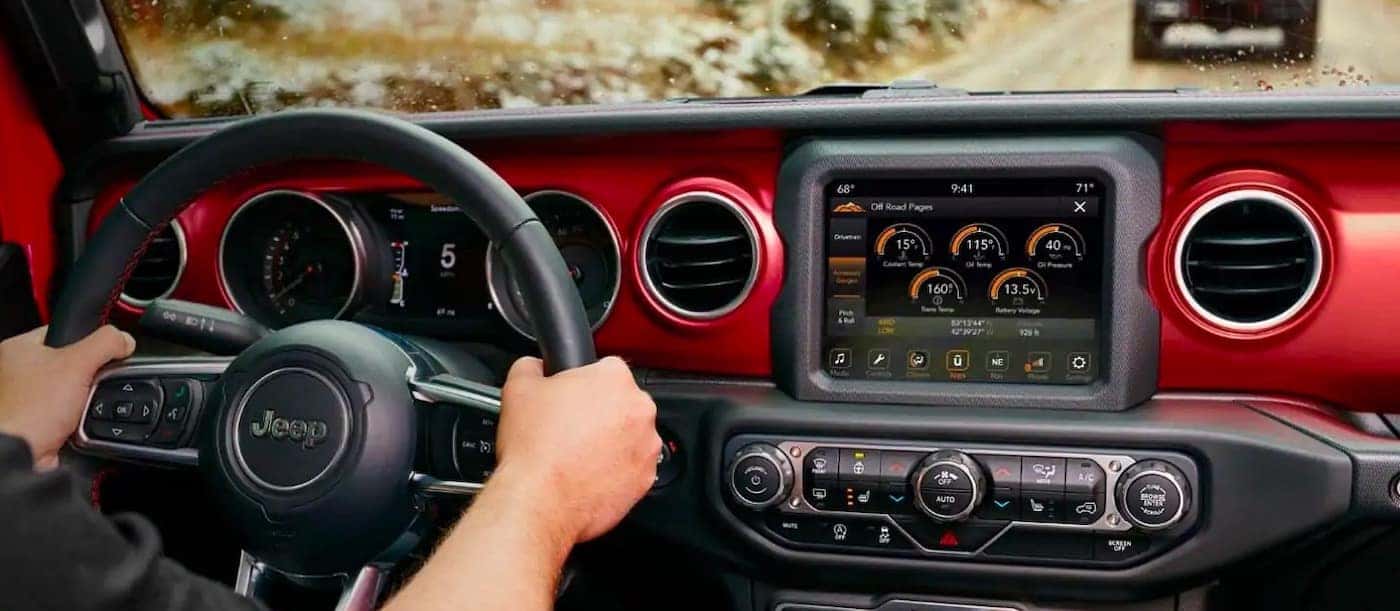
Turn on your Jeep’s ignition. The infotainment screen will light up. Tap the “Settings” or “Phone” icon on the screen. This opens the Bluetooth menu where you start pairing.
Search For Devices
Choose the option to add a new device. Your Jeep will begin searching for nearby Bluetooth devices. Make sure your phone’s Bluetooth is turned on and visible. Wait for your phone’s name to appear on the screen.
Select Your Phone
Tap your phone’s name on the Jeep’s screen. Your phone will show a prompt to connect. Accept the connection request on your phone to move to the next step.
Confirm Pairing Code
A code appears on both your phone and Jeep screen. Check that the codes match exactly. Press “Pair” or “Confirm” on both devices. Your phone is now connected to your Jeep’s Bluetooth system.
Manage Connected Devices
Managing connected devices in your Jeep Wrangler keeps Bluetooth organized. It helps your car connect to the right phone fast. This saves time and avoids confusion while driving.
Clearing old devices also improves Bluetooth performance. Your Jeep can pair smoothly without delays. Managing devices is easy through the vehicle’s touchscreen.
Set As Primary Device
Choose your main phone for automatic connection. This device connects first when you start your Jeep. Go to the Bluetooth settings on the touchscreen. Find your phone in the list of paired devices. Select it and tap “Set as Primary” or “Preferred Device.” Now, your Jeep connects to this phone first every time.
Remove Old Connections
Remove phones you no longer use with your Jeep. This frees up space for new devices. On the Bluetooth menu, see all paired devices. Select the device you want to delete. Tap “Remove” or “Forget Device.” Your Jeep will no longer connect to that phone. This keeps your Bluetooth list clean and easy to manage.
Troubleshooting Tips
Connecting Bluetooth in your Jeep Wrangler usually goes smoothly. Sometimes, problems can stop the connection. These troubleshooting tips help fix common issues fast. Follow the steps carefully to get back online quickly.
Reset Bluetooth Settings
Start by resetting Bluetooth on your Jeep and phone. Turn off Bluetooth on both devices. Wait for a few seconds. Turn Bluetooth back on. Delete any old Jeep connections from your phone. Try pairing again. This refresh often solves connection problems.
Update Firmware
Outdated software may cause Bluetooth issues. Check your Jeep’s infotainment system for updates. Follow the instructions to install any available updates. Also, update your phone’s operating system. New updates improve Bluetooth stability and add fixes.
Consult Jeep Support
If problems continue, contact Jeep support. They can help with specific Bluetooth issues. Prepare your vehicle details before calling. Support may guide you through advanced steps or recommend a dealership visit. Expert help ensures your Jeep’s Bluetooth works well.
Credit: www.youtube.com
Frequently Asked Questions
How Do I Pair Bluetooth In Jeep Wrangler?
To pair Bluetooth, turn on your Jeep’s infotainment system. Enable Bluetooth on your phone, search for “Uconnect. ” Select it and enter the PIN if prompted. Your devices will connect instantly for hands-free calls and media streaming.
Can I Connect Multiple Devices Via Bluetooth?
Yes, Jeep Wrangler supports multiple Bluetooth devices. However, only one device can actively stream audio or make calls at a time. You can switch between paired devices easily through the infotainment system’s Bluetooth settings menu.
Why Won’t My Phone Connect To Jeep Bluetooth?
Ensure Bluetooth is enabled on both devices. Restart your phone and Jeep’s system. Delete old pairings and try pairing again. Check for software updates on your infotainment system and phone for compatibility.
How To Improve Bluetooth Connection In Jeep Wrangler?
Keep your phone and Jeep’s system close. Avoid interference from other Bluetooth devices. Restart both devices if connection drops. Regularly update your infotainment system software for best performance.
Conclusion
Connecting Bluetooth in your Jeep Wrangler is simple and quick. Follow the steps carefully for a smooth setup. Enjoy hands-free calls and music while driving. Stay safe by keeping your focus on the road. Practice once or twice to get comfortable with the system.
This small tech boost makes every ride more fun. Keep your phone nearby and your Jeep ready. Happy driving and stay connected!